Free Tools to Smooth Your Daylight Saving Sleep Shift

When the clocks jump forward, my kids complain, my coffee machine groans, and I swear I’m the only one still trying to figure out if I should set the alarm for 6 am or 7 am. The good news? You don’t have to navigate the daylight‑saving shuffle alone. Below are five completely free tools that make the transition painless, boost your spring energy, and—bonus—won’t cost you a dime.
Why a Free Toolkit Matters
Daylight‑saving time (DST) isn’t just about losing an hour of sleep; it messes with our circadian rhythm, mood, and even our waistline. A quick look at the official DST calendar shows the shift lands on the second Sunday in March, right when we’re already scrambling to get the kids out the door for school. The right apps can help you keep your sleep schedule on track, stay hydrated, and avoid that dreaded “spring‑time slump.”
1. Sleep Cycle (Free Version)
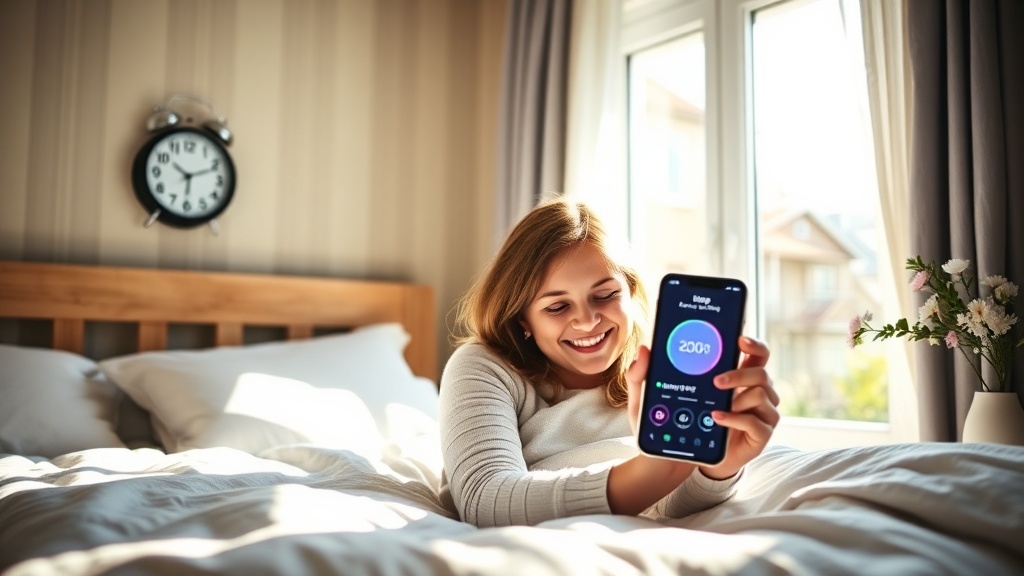
Sleep Cycle’s free tier gives you a smart alarm that wakes you during the lightest part of your sleep cycle. Set it up before the time change, and the app will gently nudge you awake at the optimal moment—no more groggy “I‑did‑n’t‑sleep‑enough” mornings. The app also tracks sleep quality, so you can see if the DST shift is hurting your rest and adjust accordingly.
How to use it: Download the app, enable “Smart Alarm,” and set the alarm for your new wake‑time. The app will automatically adjust to the new clock.
2. MyFitnessPal (Free)
Nutrition plays a huge role in how our bodies handle the extra daylight hour. MyFitnessPal’s free version lets you log meals, water intake, and even caffeine. By keeping an eye on your diet, you’ll notice if you’re over‑caffeinating to combat fatigue—a common DST pitfall.
Quick tip: Log your meals for the week before the shift, then compare the next week’s data. Spot patterns and tweak your evening snack to avoid that “mid‑day crash.”
3. Google Calendar – Time‑Zone Adjustments
It sounds simple, but many of us forget to shift recurring events. Google Calendar can auto‑adjust events when you change your time zone. Turn on World Clock in settings, then add a “DST Reminder” that repeats yearly on the second Sunday of March. You’ll get a gentle nudge to move bedtime routines, school drop‑offs, and even your favorite Netflix binge.
4. 7‑Minute Workout (Free on YouTube)
Exercise helps reset your internal clock. Search “7‑minute workout” on YouTube and you’ll find countless free routines. Pick a video that fits your schedule, do it first thing after you’ve adjusted your alarm, and you’ll feel more energized throughout the day.
Pro tip: Choose a workout that ends with a cool‑down stretch—stretching signals to your body that it’s time to wind down, making the new bedtime feel natural.
5. Bright Light Therapy (Free DIY)
Natural sunlight is the most powerful cue for resetting circadian rhythm. If you can’t get outside early, try a DIY light box: place a bright desk lamp (≈10,000 lux) across from a window and sit facing it for 20 minutes each morning. It’s free, and research shows it can shave up to 30 minutes off the adjustment period (Sleep Foundation).
Putting It All Together
Here’s a quick daily cheat‑sheet you can copy‑paste into a note app:
⏲️ 6:30 am – Smart Alarm (Sleep Cycle) wakes you gently
☀️ 7:00 am – Bright Light Therapy (lamp or sunrise)
🍳 7:30 am – Log breakfast & water in MyFitnessPal
💪 8:00 am – 7‑minute workout video
📅 9:00 am – Check Google Calendar for DST reminders
Follow this routine for three days, and you’ll notice a smoother transition, higher energy, and fewer “I’m still sleepy” moments.
Related Reading
- Embracing Bio‑Harmony: Sync Your Life with Your Circadian Rhythm This Spring – deeper dive into circadian health.
- Spring Refresh: Sustainable Living Tips to Green Your Home – eco‑friendly habits that pair well with a refreshed sleep schedule.
- 5 Emerging Wellness Trends to Refresh Your Life This March 2026 – other spring wellness ideas.
FAQs
Q: Do I need to buy a fancy sleep tracker for DST?
A: No. The free versions of Sleep Cycle or even your phone’s built‑in “sleep” mode are enough to get useful data.
Q: How long will it take to feel normal after the clock change?
A: Most people adjust within 3‑5 days if they follow a consistent routine and use bright light exposure.
Q: Can I skip the light‑therapy step if I’m a night owl?
A: Light therapy works best in the morning, but you can also use a “blue‑light filter” on your phone after sunset to signal bedtime.
Give these free tools a try, and you’ll be back to your regular rhythm faster than you can say “spring forward.”
